On-device. No bank login.
Budget like cash. Privately.
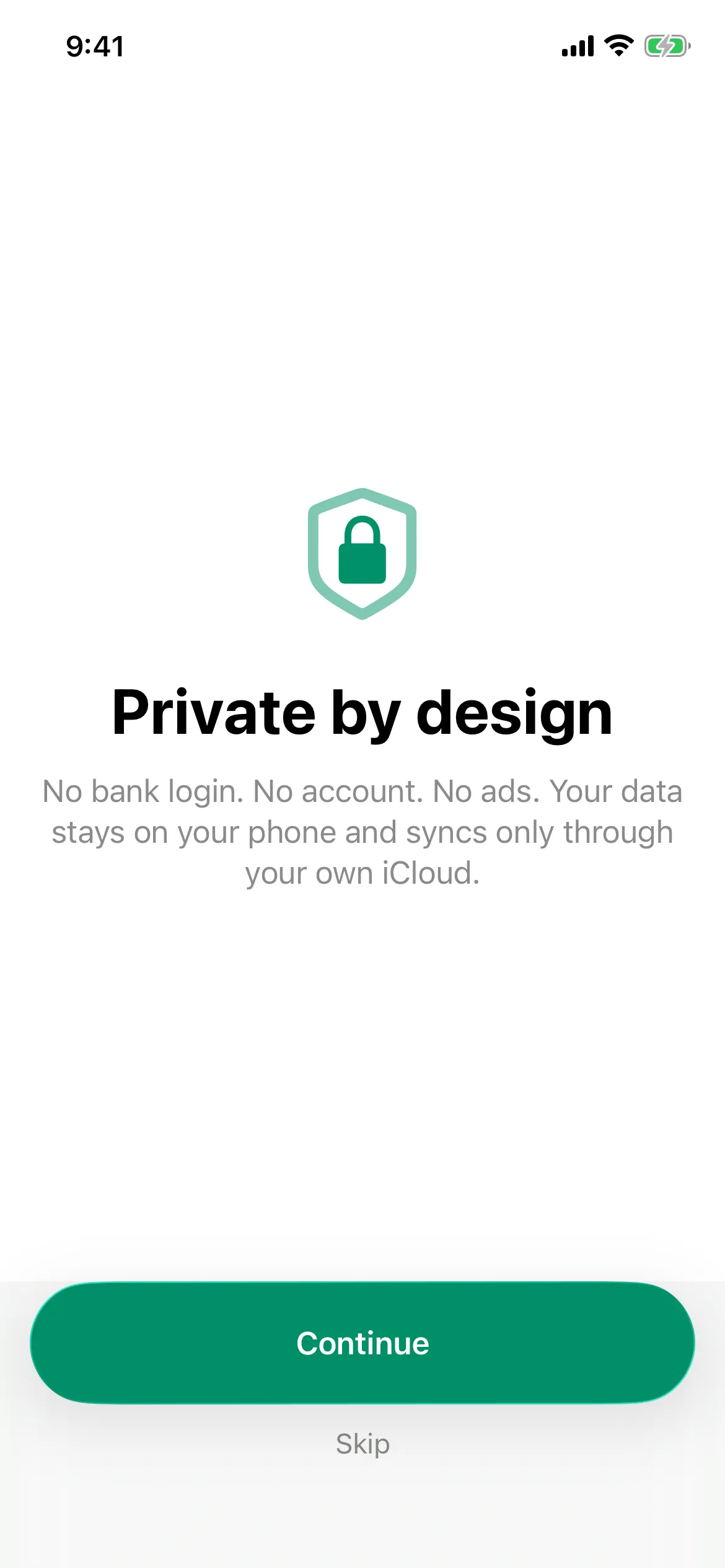
Tuckaway puts your money into envelopes you actually control, with no bank login, no account, and no ads. Your data lives on your phone and never leaves.
Free to start. Apple's privacy label reads "Data Not Collected."
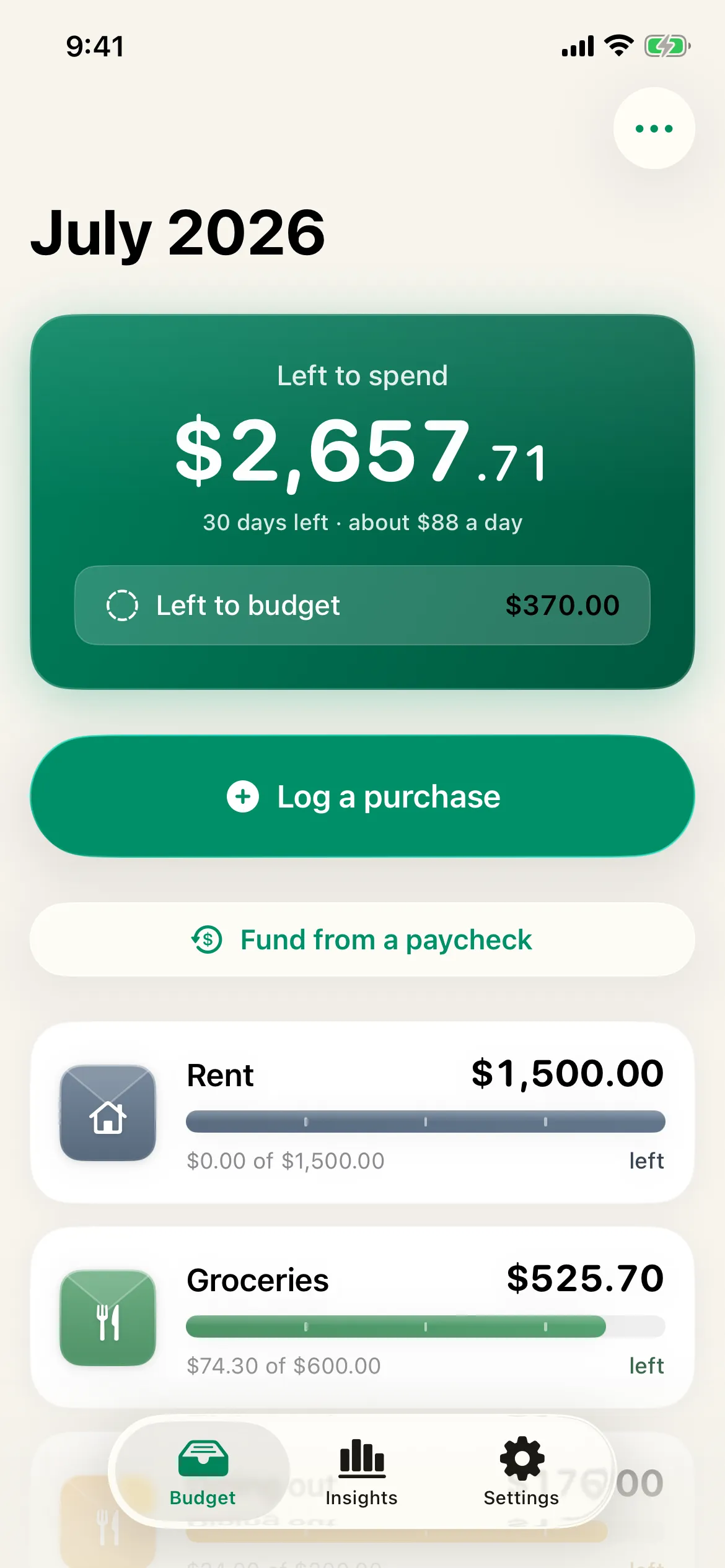
A budget app that respects your data and your time
Built for people leaving apps that shut down, sold their data, or capped the free plan. Here is what changes.
No bank login. Ever.
Most apps want your bank password. Tuckaway never asks. You type what you spend, and your money data stays on your phone.
Unlimited envelopes, free
Make as many envelopes as you want, in any color, with any icon. No 10-envelope cap, no upsell to get past it.
Two taps to log — or one
Open, type the amount, tap the envelope. Or log a preset amount in one tap from the home-screen widget, without opening the app at all. Logging is the fastest thing in the app, on purpose.
Bring your history
Import a CSV from your old budget app so you keep your records. Export everything any time. No lock-in.
What Tuckaway gives you
Private on your phone
No account to create, no password to hand over. The privacy is the product.
See what is left, instantly
Every envelope shows the amount remaining and a quiet progress bar. No spreadsheets.
Widgets, Siri, watch
One-tap logging from the home-screen widget, your wrist, or by voice — and recurring bills log themselves when due.
Honest pricing, no hostage paywall
The basics are free for good. Premium is a low yearly price or a one-time lifetime purchase, with a clear trial and a one-tap cancel.
See pricingHow it works
Set up your envelopes
Rent, groceries, fun, a vacation fund. Give each one a planned amount in minutes.
Log as you spend
Two taps per purchase, or one tap for a recurring bill. Watch what is left update.
Roll over and repeat
At month end, carry leftovers forward or start fresh. Your setup stays put.
Go deeper when you are ready
Premium adds month-over-month trends, a year in review, partner sync through your own iCloud, and on-device receipt scanning. The wedge stays free, always.
Compare free and premium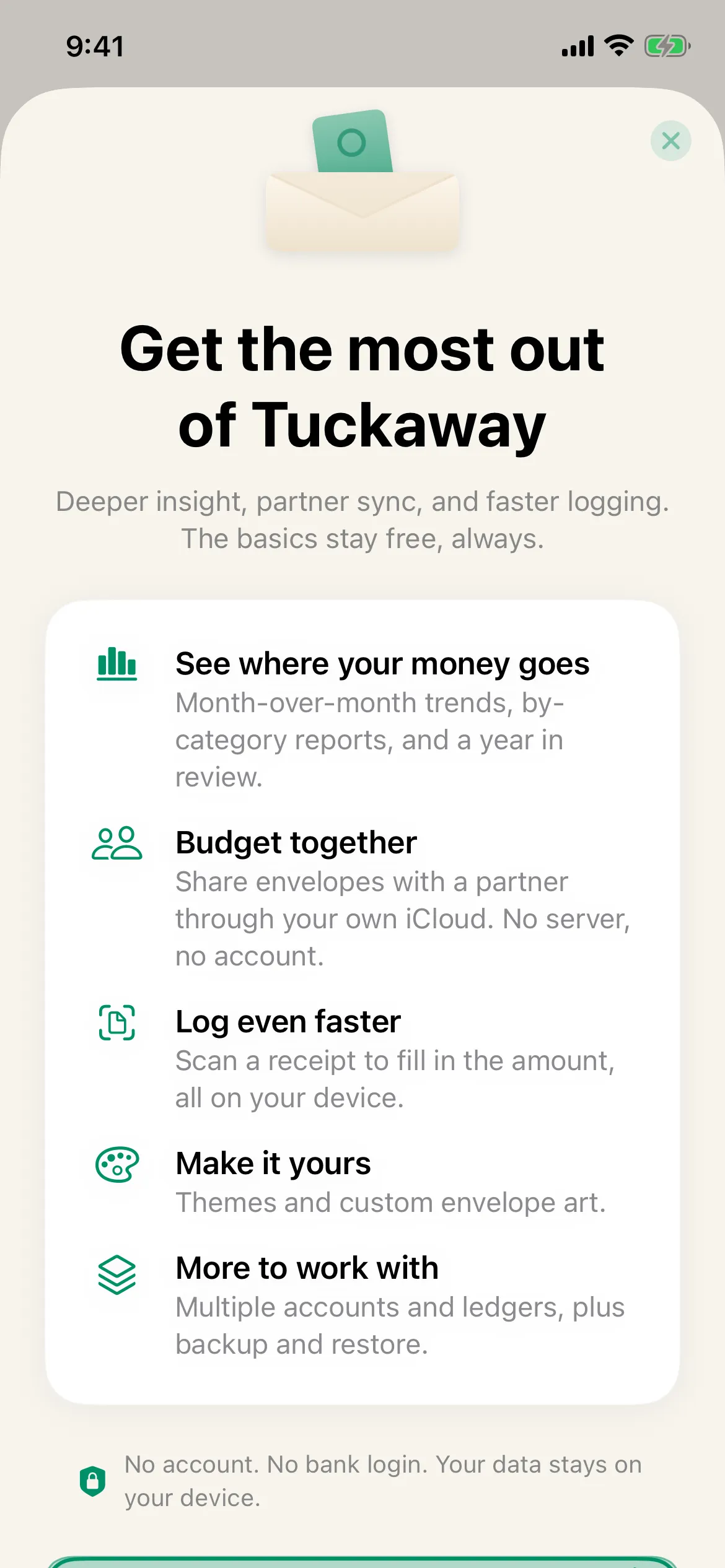
Money questions, answered
Does Tuckaway connect to my bank?
No, and it never will. Tuckaway is a manual budgeting tool by design. You enter your own figures, which means no bank password, no data sharing, and no breach surface.
Where is my data stored?
On your device. If you turn on sync, it travels only through your own iCloud to your other devices. There is no Tuckaway server holding your budget.
Is it really free?
Yes. Unlimited envelopes, two-tap logging, the one-tap widget, CSV and OFX import, export, monthly rollover, the debt payoff planner, and automatic daily backups are all free. Premium adds reports, partner sync, and unlimited receipt scanning.
Can I import my old budget?
Yes. Tuckaway reads a CSV export with a date and amount, including the common format from apps that shut down, and turns your categories into envelopes.
Your money, in envelopes, on your phone
Set up in minutes. Import your history. Keep your data. Free to start.